



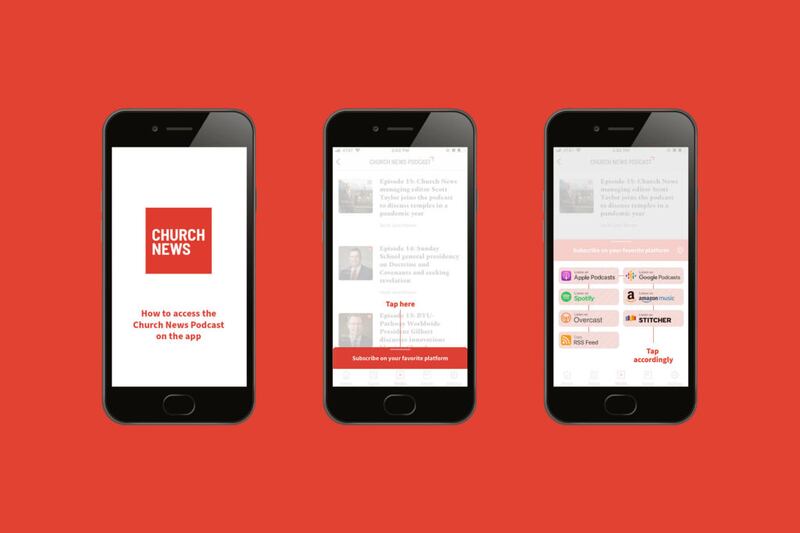

A recent update to the Church News app provides easier access to the new Church News podcast and an option to subscribe on a favorite podcasting platform.
“The response to the Church News app has been overwhelming,” said Burke Olsen, head digital officer of the Deseret News. “We’ve built a strong user base who is passionate about our content and we’re excited to add new features, including the Church News podcast, to an already great app experience.”
Here’s how it works.
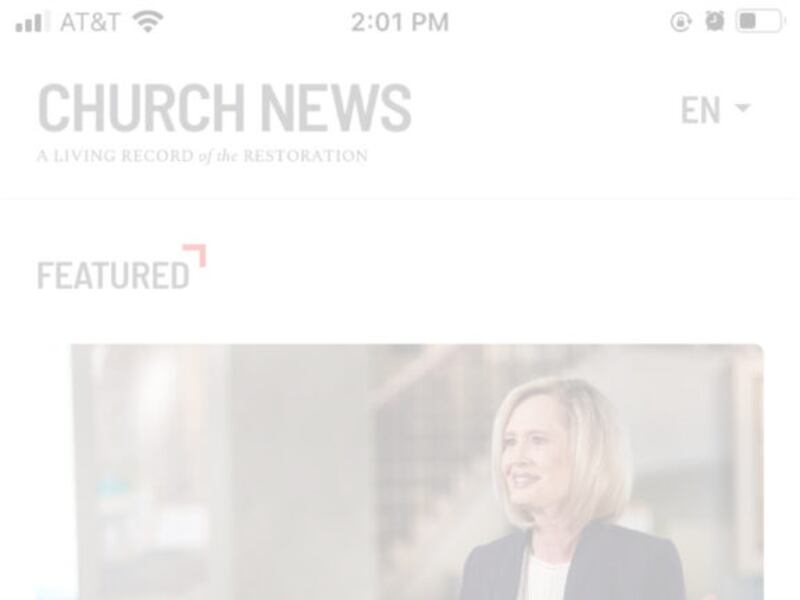
First, open the Church News app and locate the new Media button in the middle of the bottom bar. (In the previous version of the app, this button was labeled Videos and took you to the Church News channel on YouTube.)
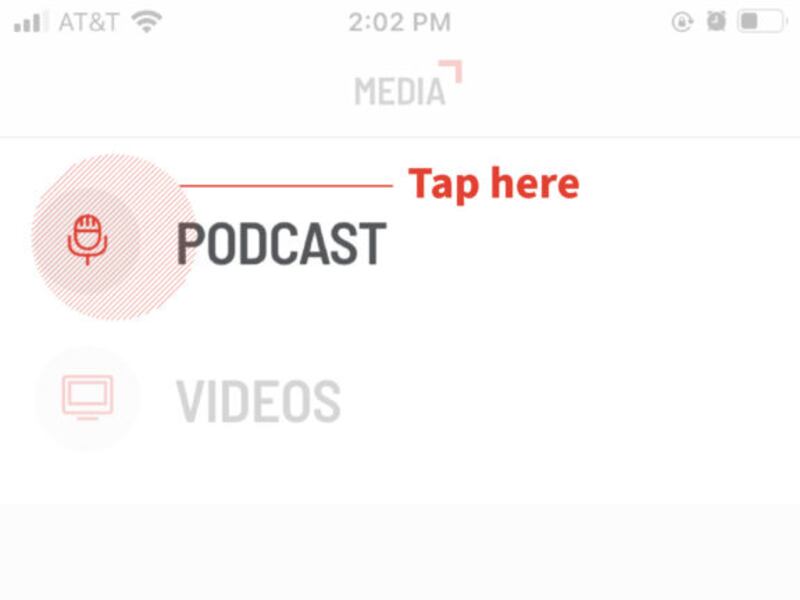
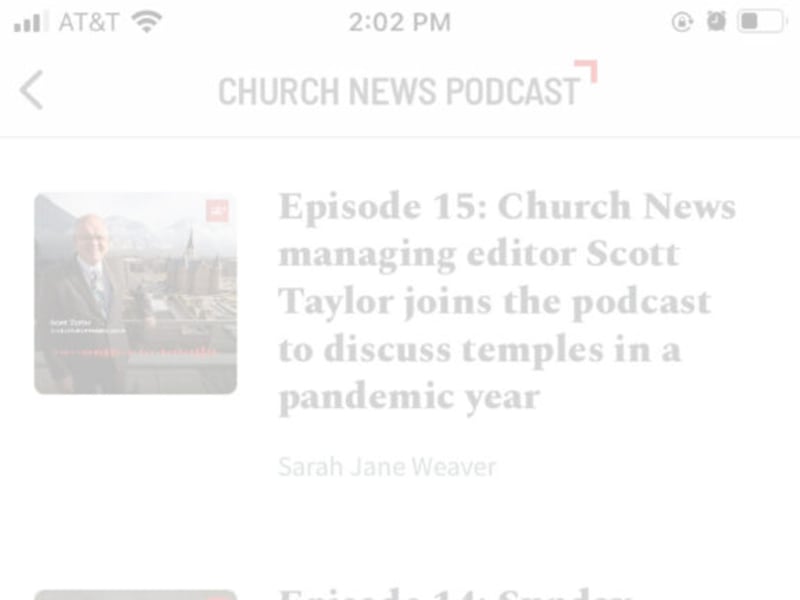
Once the Media button is selected, a new screen prompts two options: Podcast and Videos. Selecting Podcast opens a queue of the most recent podcast episodes. Selecting Videos opens the Church News channel on YouTube.
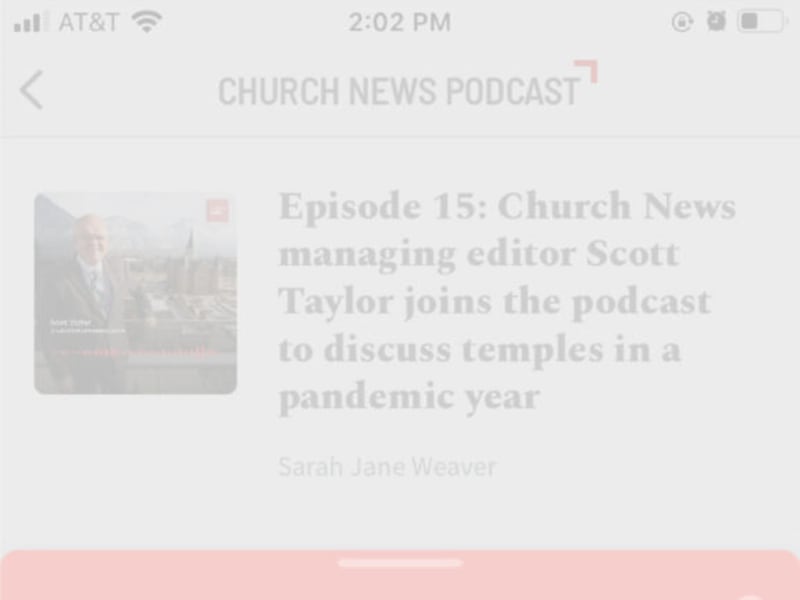
At the bottom of the Podcast screen is a tab to subscribe to the Church News podcast.
Selecting this tab pulls up a list of links to the Church News podcast on Apple Podcasts, Amazon, Google Podcasts, Stitcher, Spotify and more. Once subscribed, you no longer need to search for new episodes. They will come directly to your device automatically.
If your Church News app does not currently display the Media button in the bottom bar, you are still using the old version of the app. To update, go to the Apple App Store or Google Play, search for the Church News app and select the update.
